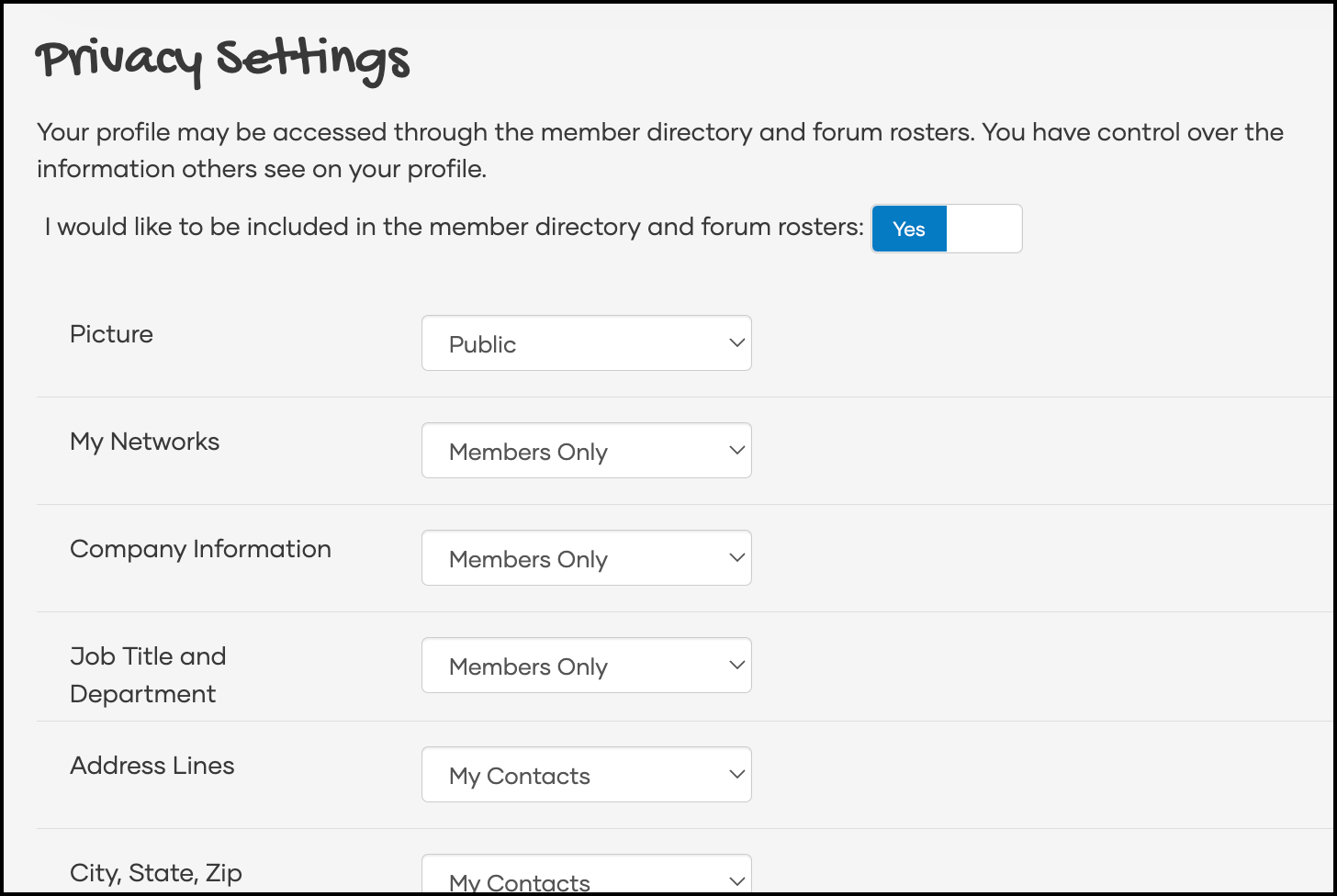
1. Review Your Privacy Settings
The first thing you’ll want to do is review your profile’s privacy settings to ensure profile information appears to others the way you expect it to on The Hub.
2. Complete Your Profile
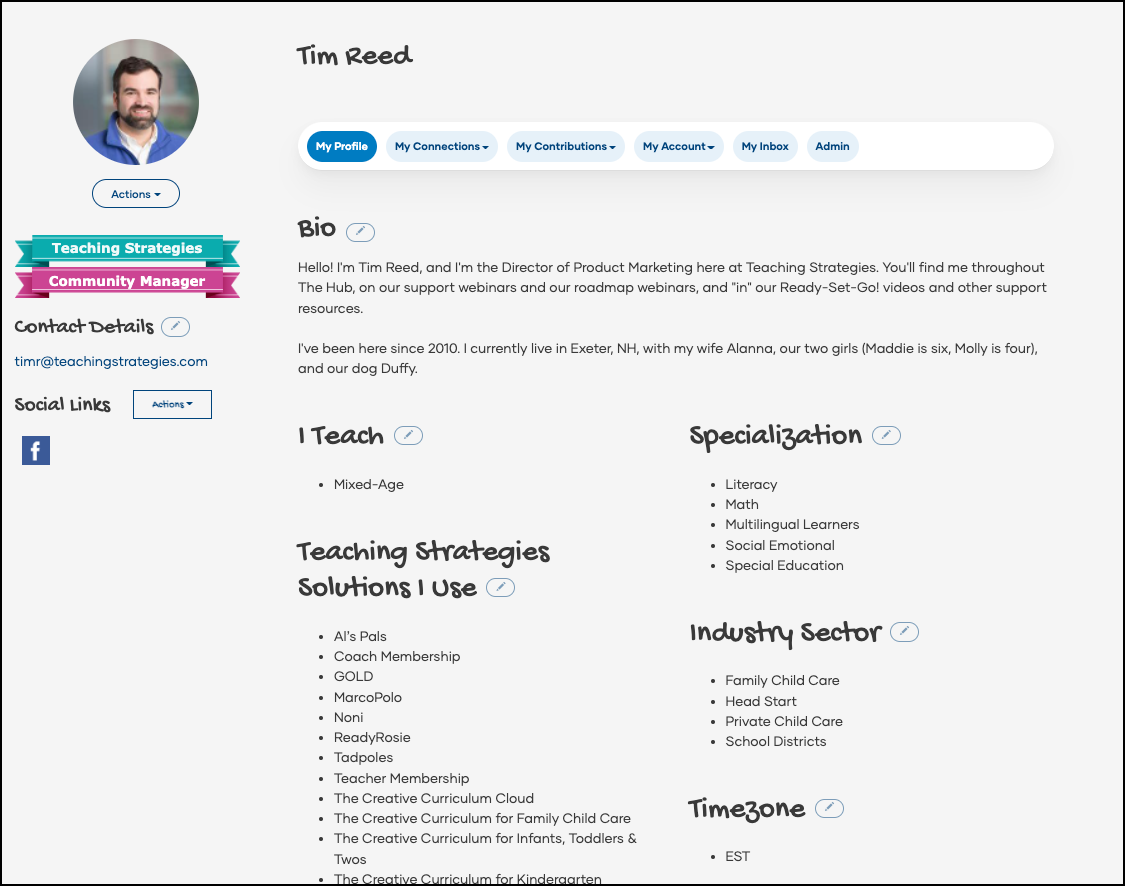
Next, complete your profile by uploading a profile picture, adding a biography, detailing your job history, and more.
3. Join the General Forum
After you have set up your profile, go to Forums and select All Forums. Join the General Forum if you haven't already been added to the forum to ask questions, share ideas, connect with other educators, and find the latest updates from Teaching Strategies.

4. Set Your Forum Notifications
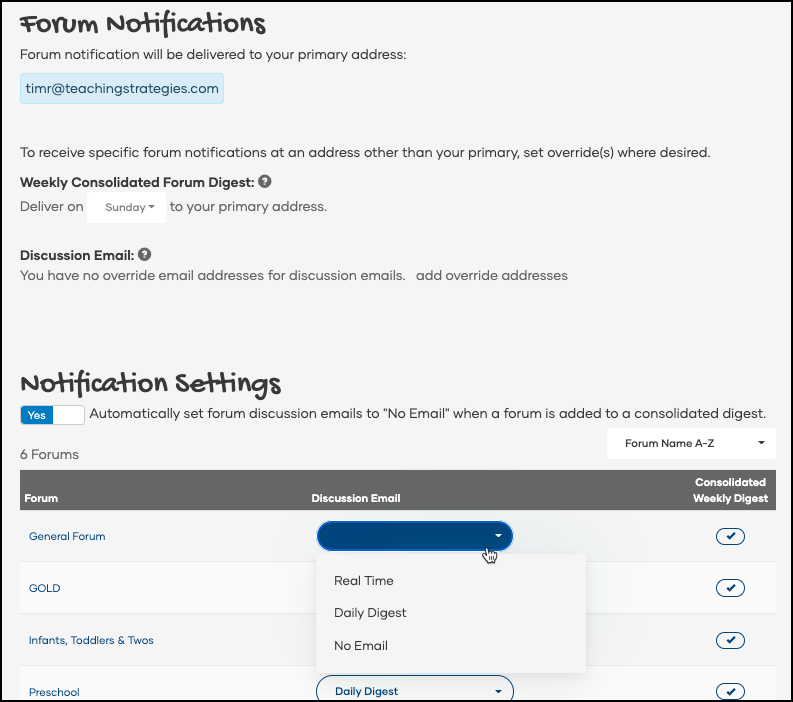
Once you have joined a forum, set your notification preferences for that forum to choose how you can stay up to date with what is happening on the forum.
- Real Time: Receive an email every time someone posts to the forum.
- Daily Digest: Receive one consolidated email at the beginning of each day that includes all of the posts to the forum from the previous day.
- No Email: Receive no emails regarding the forum.
5. Introduce Yourself
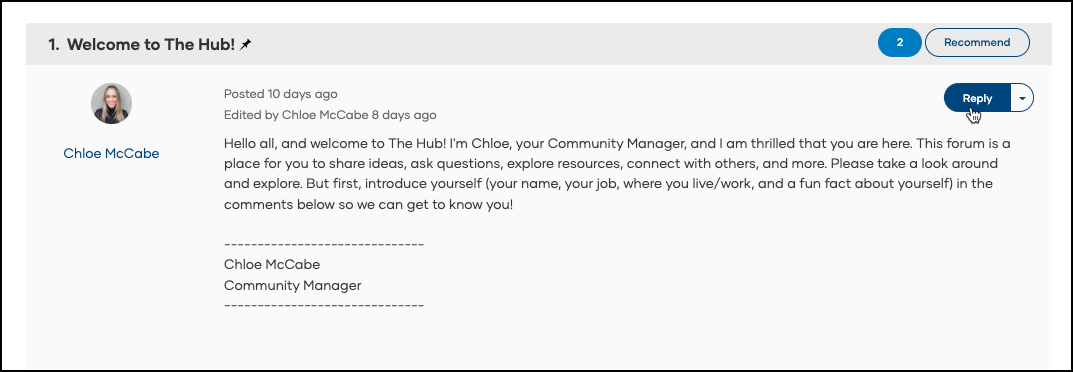
Let everyone in The Hub know that you are ready to connect by replying to our "Introduce Yourself" discussion thread in the General Forum and introducing yourself.
6. Explore The Hub
Begin exploring the other parts of The Hub. Here's a few places you may want to consider exploring first: